The lab
Two models, live.
Lattice spin models updated by checkerboard Metropolis Monte Carlo in a WebGL fragment shader. The Ising model is the classic. The Blume–Capel model is its spin-1 generalization — the system of my thesis and first paper, which ran it in three dimensions and at much larger scale.
demo 01
The Ising model
Cool it through the critical temperature and watch domains freeze out; draw on the lattice to apply a local magnetic field and the spins will obey.
click / drag on the lattice to paint a field h(x) > 0
demo 02 · the thesis model
The Blume–Capel model
Now each site has a third option: σ = 0, a vacancy (shown in sand). The crystal field D prices the ±1 states — drive it negative and vacancies vanish (the Ising limit); drive it past D ≈ 2 and the empty state wins. In between sits the tricritical point, where the transition changes from continuous to first order. I simulated this model in 3D, with a surface, for my thesis and Paper I.
blue σ=+1 · dark σ=−1 · sand σ=0
demo 03 · the DLR work
Inference on ciphertexts
At the DLR I helped build LYNX, an open-source platform for privacy-preserving inference: the client encrypts a frame with CKKS (via TenSEAL), the server runs a CNN directly on the ciphertexts, and only the key holder decrypts the verdict. My part was the integration — wiring TenSEAL into an ONNX inference pipeline so a plaintext-trained CNN could execute under CKKS end to end. The animation below replays that pipeline; no actual encryption runs in your browser. And the network really was this small: one convolutional layer, a squared activation, a dense head. TenSEAL’s key sizes capped anything deeper back then — newer papers have workarounds, but for our purposes one layer did the job.
x — plaintext, stays on camera
Enc(x) → fCNN(Enc(x))
Dec → ŷ
demo 04 · contentgen
One line in, a carousel out
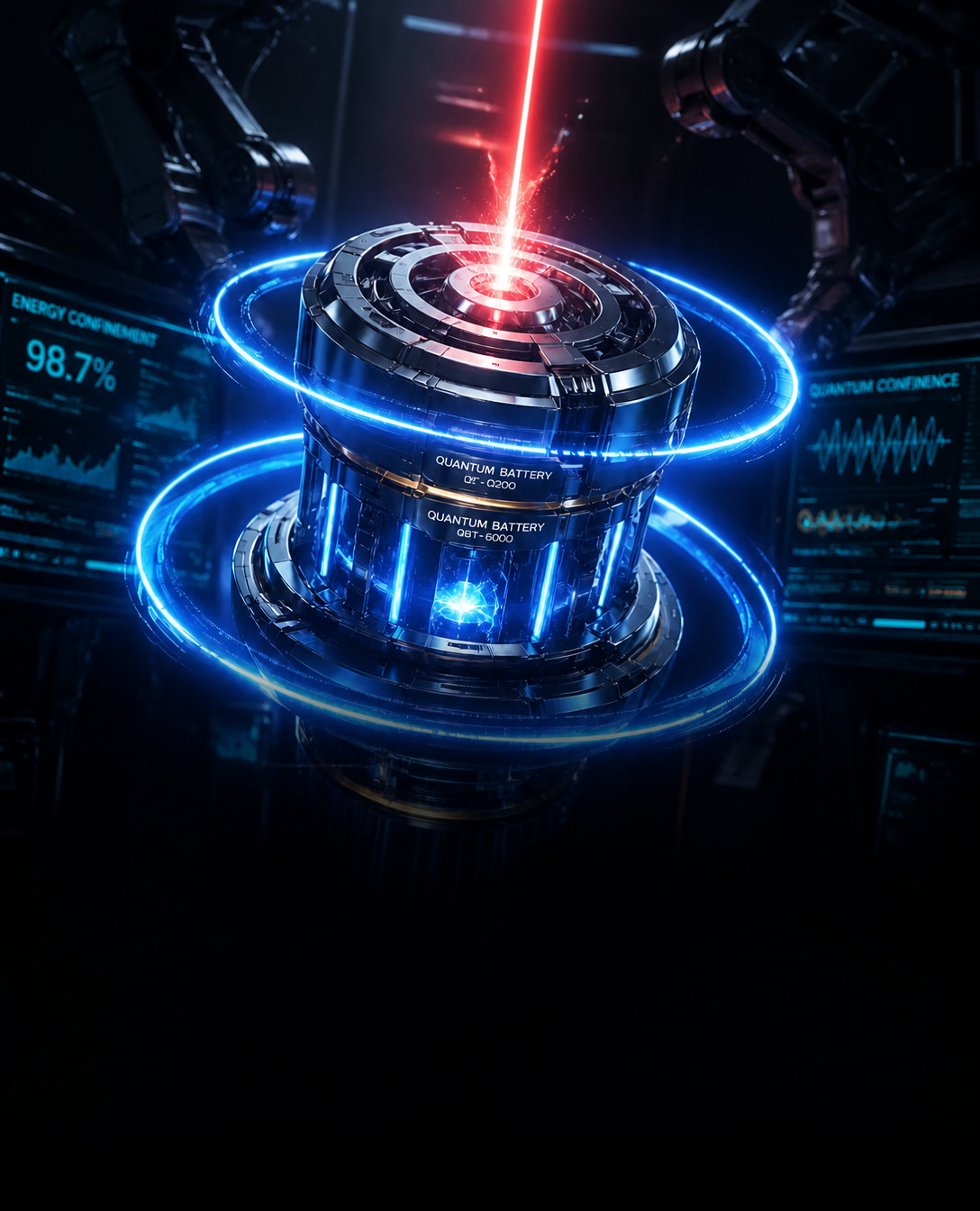
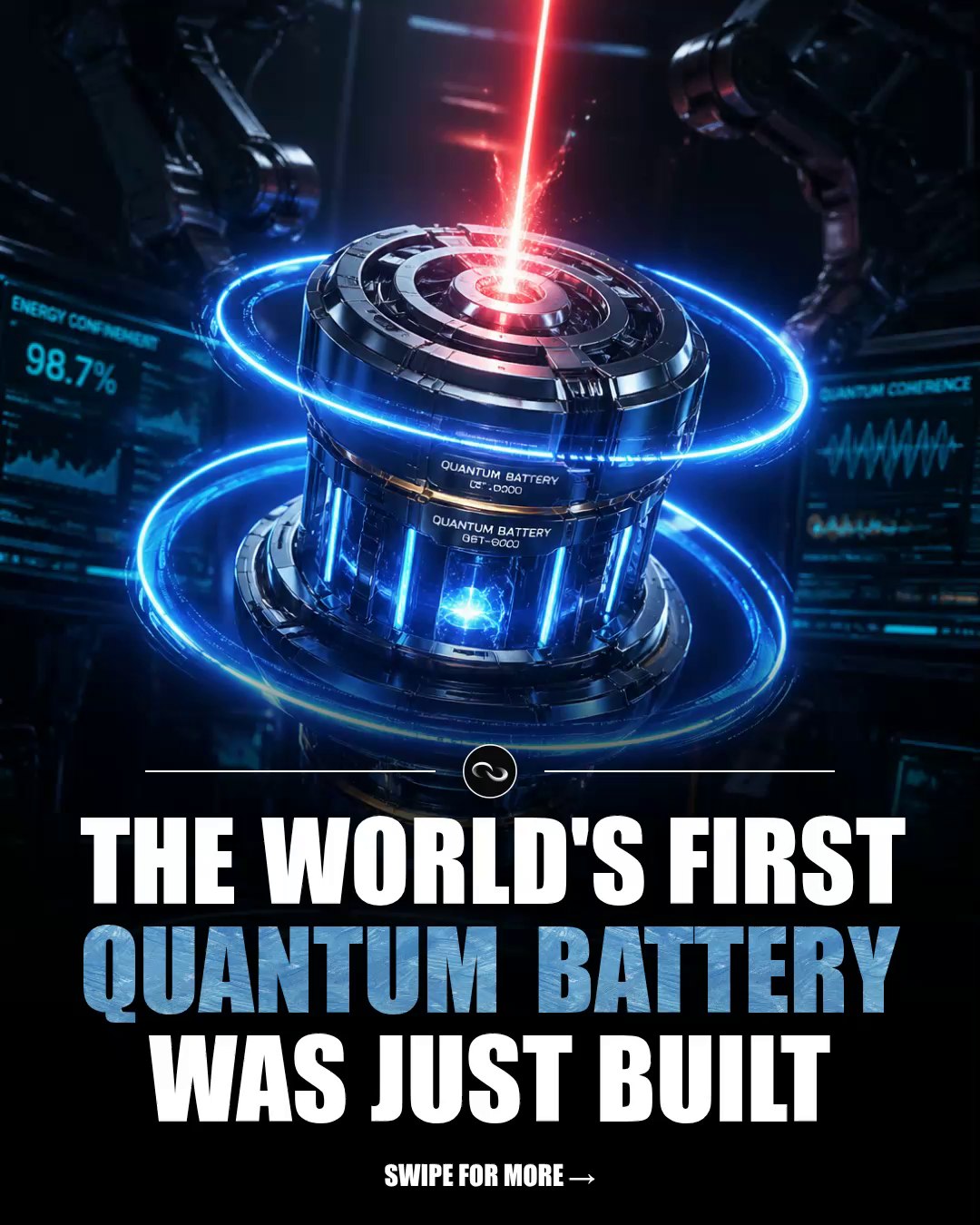
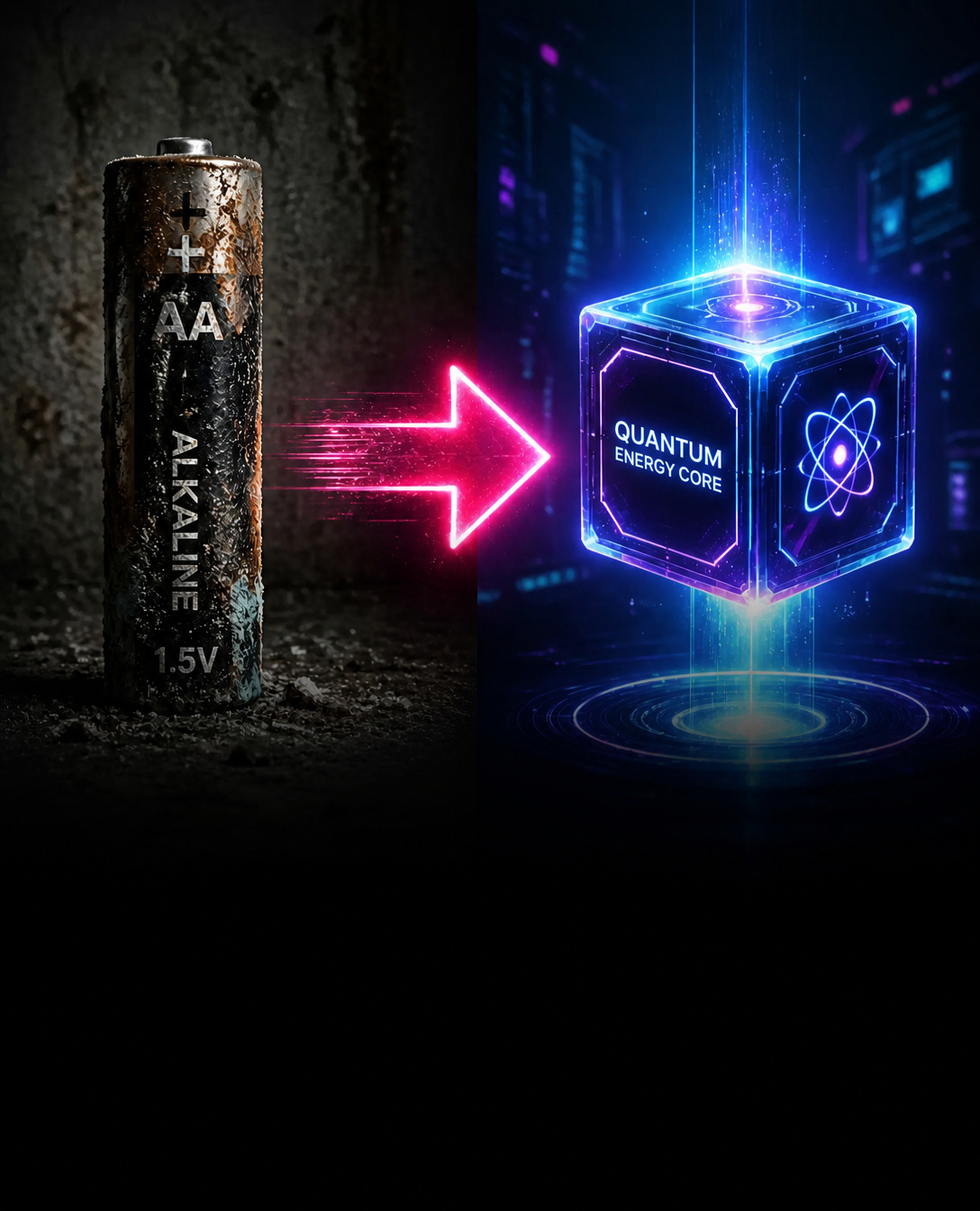
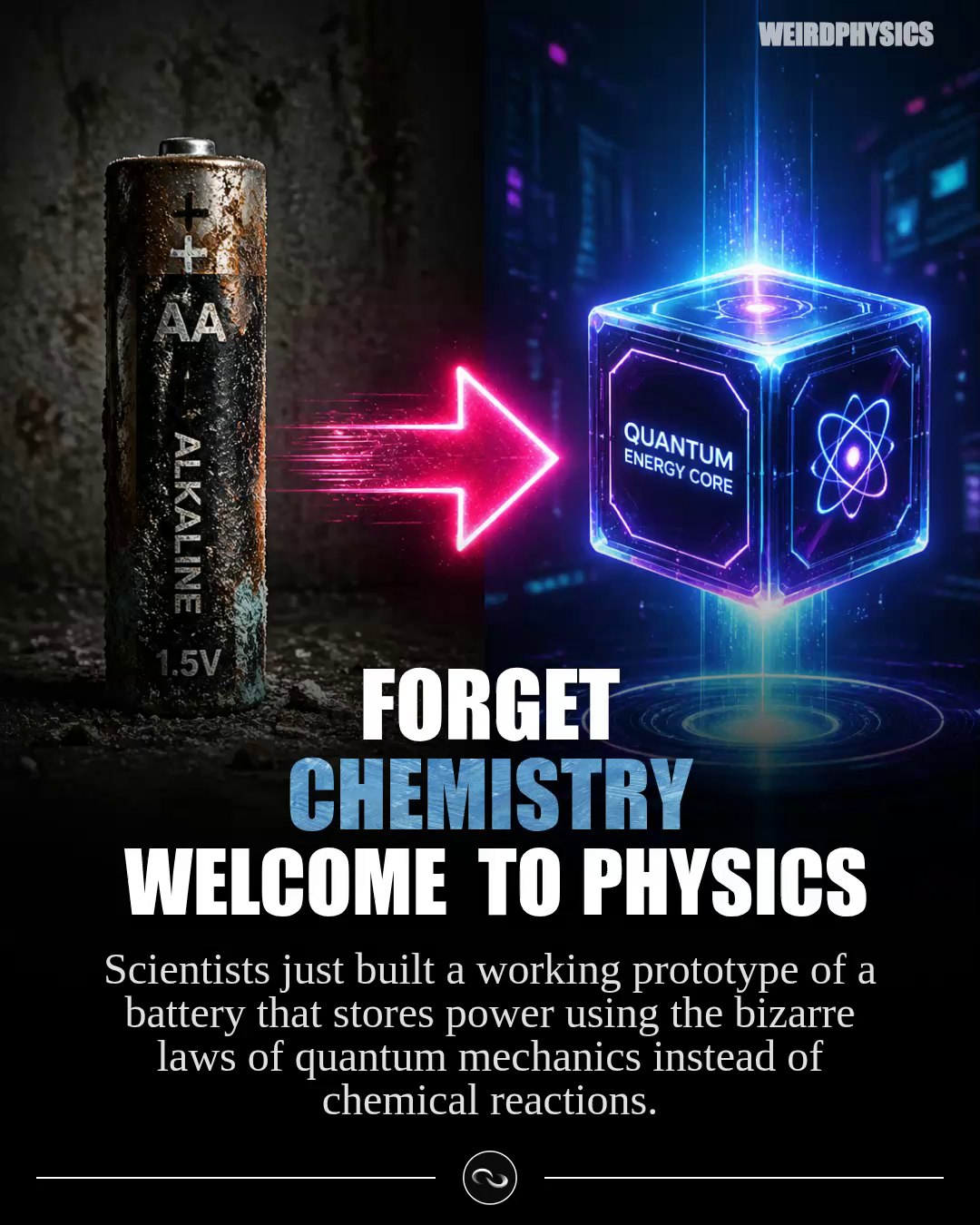
A replay of a real run of my contentgen pipeline. This template is just two checkpoints: the first LLM researches the article, plans the slides, and writes every image prompt and the caption in one shot; the second validates (and if needed repairs) the JSON it returns. The payload then becomes a clip, GPT Image 2 renders one image per slide, and the carousel comes back ready to schedule. The full checkpoint prompts are below — only the brand tag is masked.
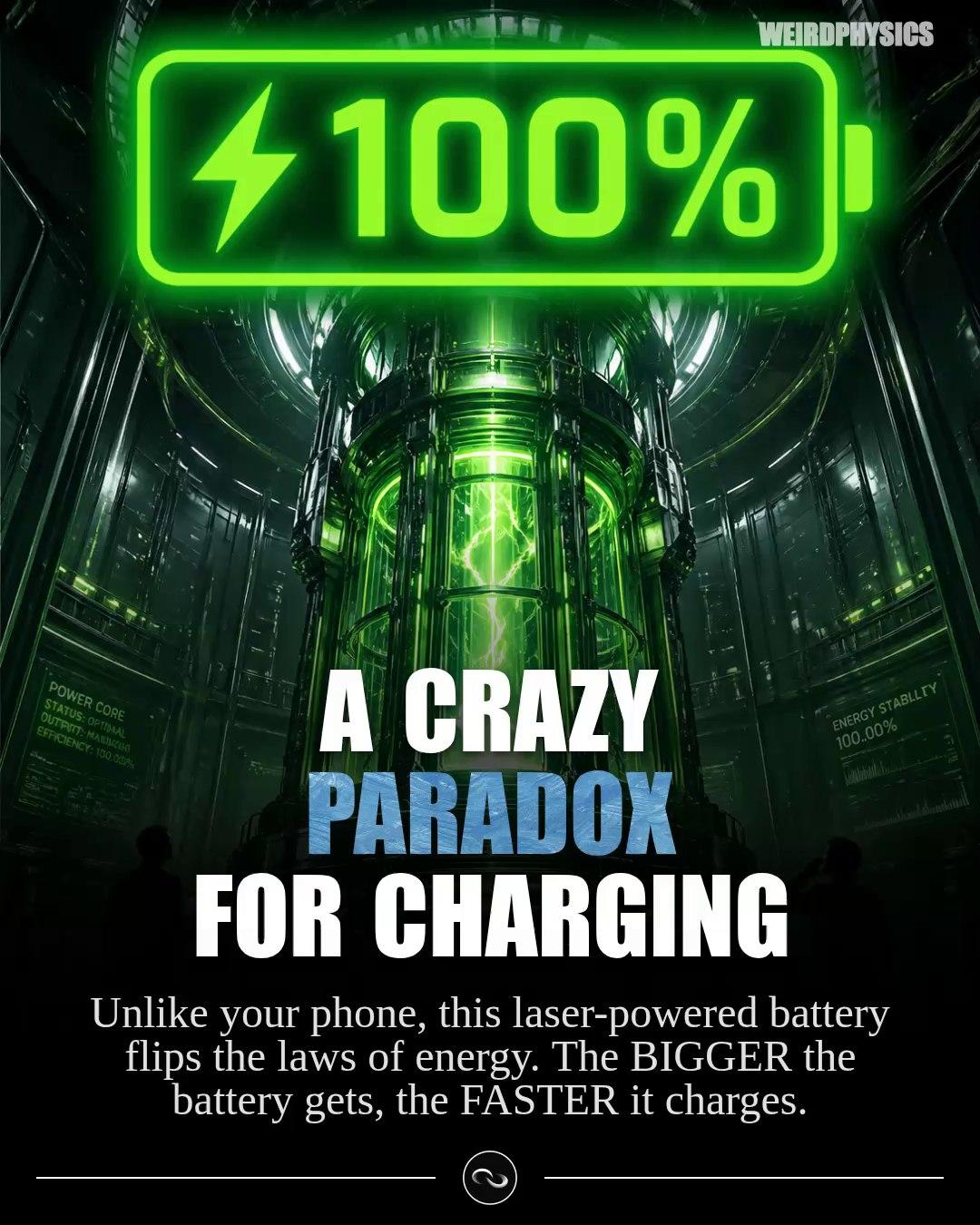
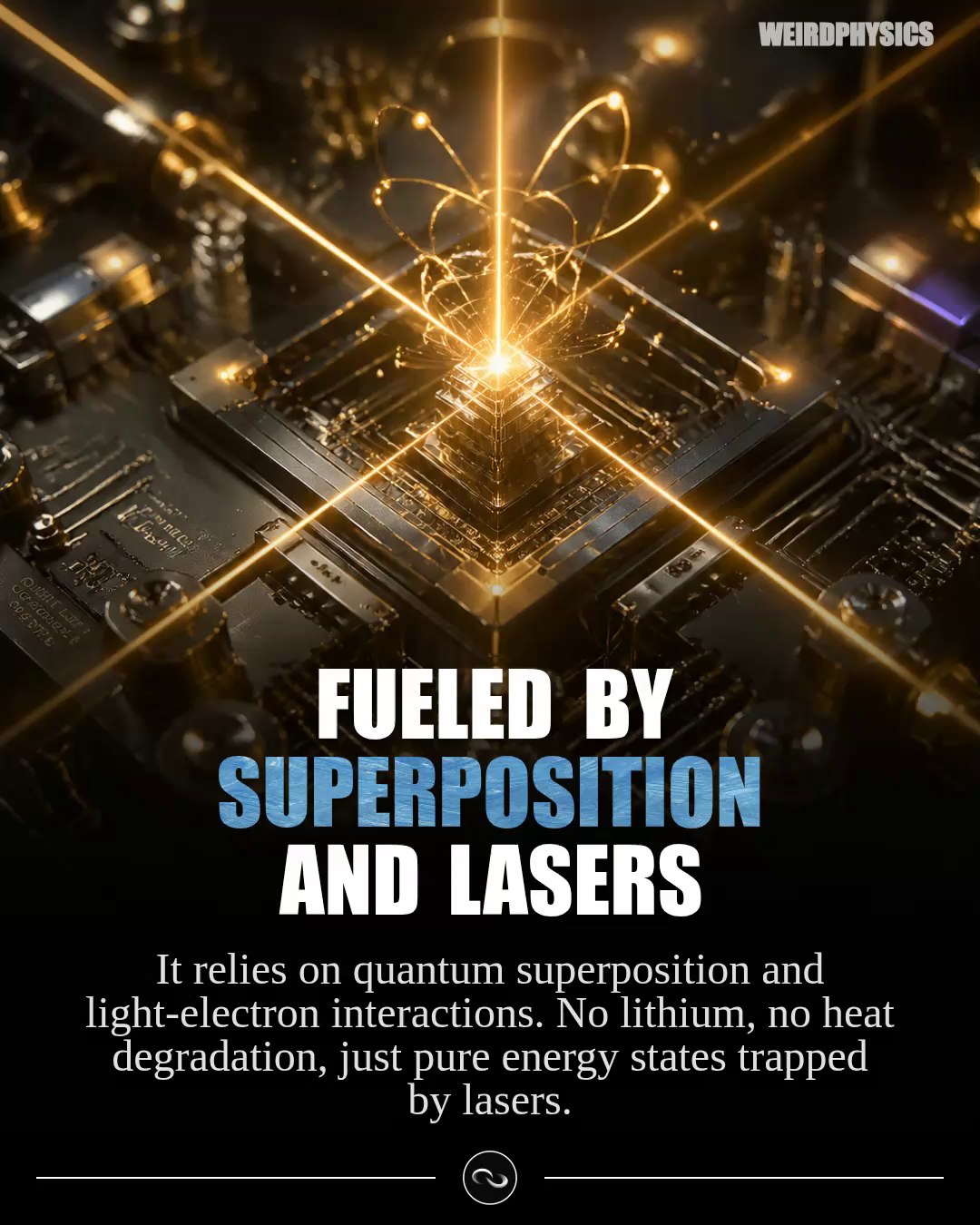
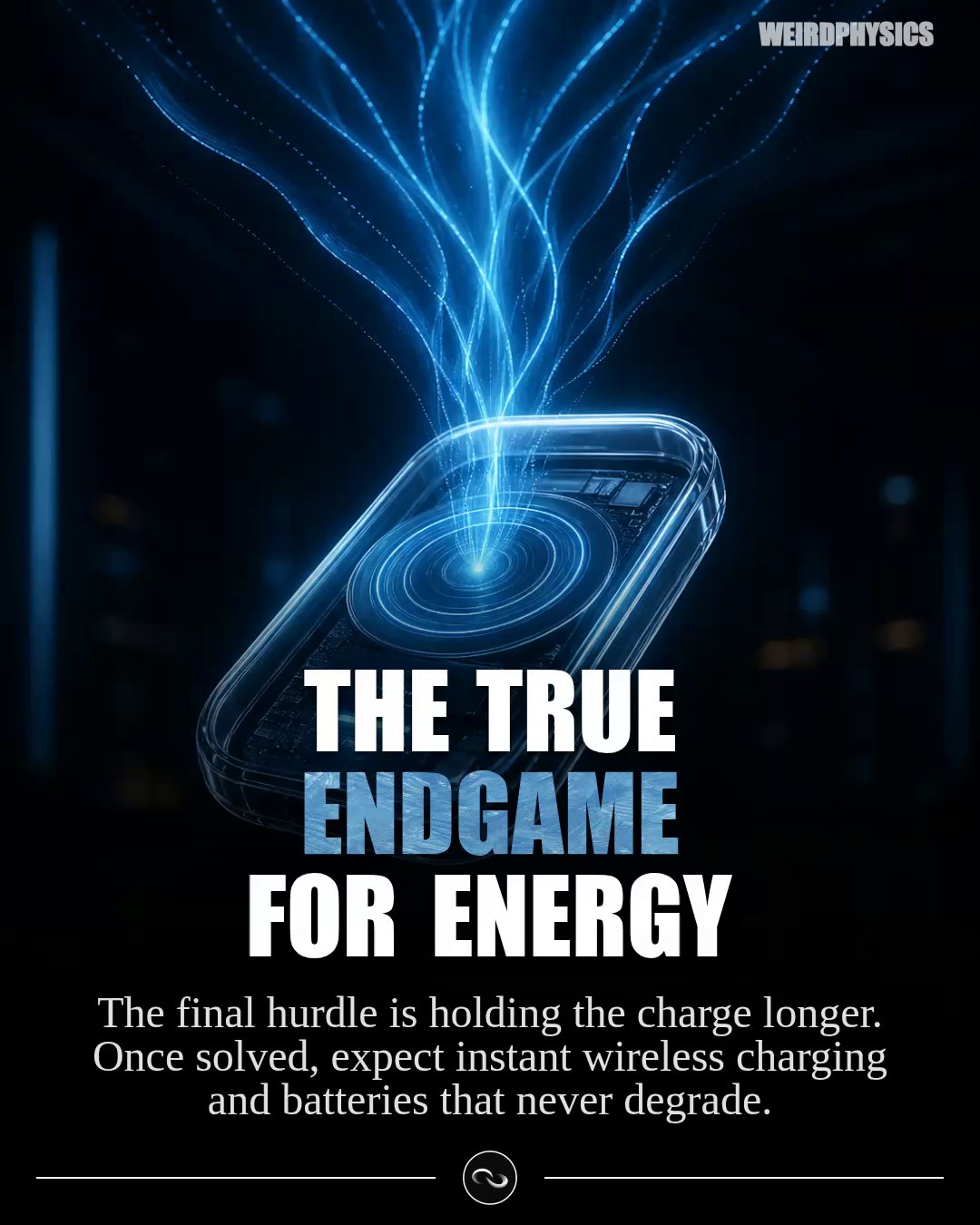
checkpoint 1 · “Generate Complete Carousel” — the full prompt
You are an expert content creator that will research, plan, and assemble a complete Instagram carousel in one step.

USER IDEA:
{{user_idea}}

Your task: Create a complete carousel from research to final API payload.

STEP 1 - RESEARCH:
- Find specific facts, numbers, statistics about the topic
- Identify surprising/counterintuitive angles
- Determine emotional hooks and target audience

STEP 2 - PLAN SLIDES:
- Create 4-8 slides total - can be more if you're summarising e.g. an article and it needs more seperate points to be made
- Slide 1: Cover (can be collage, split layout, or single dramatic image)
- Slides 2-n: Content slides with titles/explanations
- Last slide: CTA/follow slide

STEP 3 - IMAGE PROMPTS:
- Each slide needs a detailed image generation prompt
- Format: 4:5 aspect ratio (portrait orientation)
- Visual style: Choose what fits the topic best - could be moody/cinematic, bright/modern, minimalist, dramatic, etc.

COMPOSITION REQUIREMENTS (MANDATORY):
- Main content positioned in the top 3/4 of the image
- Bottom portion (roughly 1/2 of image) has a dark fading gradient overlay
- This creates space for text overlays while keeping content visible

SOCIAL MEDIA "POPPING" ELEMENTS (OPTIONAL - use strategically):
- Celebrity faces or recognizable figures (when relevant to topic)
- Circular highlights around key elements
- Arrows pointing to important features
- Bright contrasting elements that stand out
- Visual elements that catch attention in thumbnail view
- Only include these when they genuinely enhance the content

STEP 4 - CAPTION:
- Hook opening (1-2 sentences)
- Body with key facts (3-4 short paragraphs)
- Philosophical close
- CTA: "Follow @{{brand}} for more! 🌌" (or appropriate brand)
- 3-5 relevant hashtags
- ALWAYS INCLUDE SOURCES!

FINAL OUTPUT - Return this exact JSON structure:

{
  "name": "Short 3-5 word description",
  "imagePrompts": [
    {
      "prompt": "4:5 aspect ratio image. Main content in top 3/4, dark gradient fading from bottom half upward. [Your creative visual description with optional popping elements]...",
      "title": "",
      "explanation": ""
    },
    {
      "prompt": "4:5 aspect ratio image. Main content in top 3/4, dark gradient fading from bottom half upward. [Your creative description]...",
      "title": "POWERFUL Title|With Line Breaks",
      "explanation": "Supporting fact or insight"
    }
  ],
  "aiVideoPrompts": [],
  "audioPrompts": [],
  "metadata": {
    "brandingTag": "{{brand}}",
    "headline": "DRAMATIC Words|Mixed With|Lowercase",
    "caption": "Complete social media caption with hook...\n\nBody paragraphs...\n\nFollow @{{brand}} for more! 🌌\n\n#Hashtag1 #Hashtag2"
  },
  "clipStyle": "genericCarousel"
}

CRITICAL FORMATTING RULES:

- COVER SLIDE: title and explanation must be empty strings ""
- CONTENT SLIDES: title with | line breaks, explanation filled
- HEADLINE & TITLE: CAPS used in the title and headline will be HIGHLIGHTED with color on the slide. Use it sparingly and when it makes sense.
- CTA SLIDE: title filled, explanation must be empty string ""
- ALL image prompts must specify: "4:5 aspect ratio, main content in top 3/4, dark gradient from bottom half"
- Use "popping" elements strategically - not on every slide, only when they add value
- Caption must use \n\n for paragraph breaks in JSON
- Return ONLY valid JSON, no markdown, no explanations

EXAMPLES OF GOOD "POPPING" ELEMENTS:
- Topic about Einstein → Include his recognizable face with circular highlight
- Topic about smartphones → Arrow pointing to a specific phone feature
- Topic about space → Bright planetary rings or highlighted celestial objects
- Topic about food → Vibrant colors with circular callouts on ingredients

EXAMPLE of a HEADLINE:
- top physics|BREAKTHROUGS|of this year → the word BREAKTHROUGHS will be highlighted with a different color, low caps words are white.

EXAMPLE of a GOOD Image Prompt of a single slide for a physics based post:
4:5 aspect ratio image. Main content in top 3/4, dark gradient fading from bottom half upward. Extreme macro 3D render of a glowing subatomic particle separating from an electron, emitting a mysterious dark-matter smoke. High contrast, moody background.

CREATIVE FREEDOM:
- Adapt visual style to match the topic's natural aesthetic
- Use popping elements judiciously - quality over quantity
- Consider what would make someone stop scrolling in their explore feed
- Balance eye-catching elements with informational clarity
- Generally try to break everything down as if you're speaking with children who have no idea about the topic. Assume the reader of the post has no expertise in said topic whatsoever and can be considered 'rather dumb'. - This also means - if you think that we need more slides to introduce the basics and explain a topic - you are free to create more if that is necessary - but try to keep everything below 12 slides in total (hard maximum).
checkpoint 2 · “Validate JSON Structure” — the full prompt
You are a JSON validator. Check the following generated carousel content for correctness.

GENERATED CONTENT:
{{generated_content}}

Validation checklist:

1. **Valid JSON structure** - properly formatted, no syntax errors
2. **Required fields present** - name, imagePrompts, aiVideoPrompts, audioPrompts, metadata, clipStyle
3. **Image prompts format** - each has prompt, title, explanation fields
4. **Slide rules followed**:
   - Cover slide (first): title="", explanation=""
   - Content slides: title and explanation filled
   - CTA slide (last): explanation=""
5. **Image prompt composition** - contains "4:5 aspect ratio" and "main content in top 3/4" and "dark gradient"
6. **Caption format** - uses \n\n for breaks, includes CTA and hashtags
7. **Metadata complete** - brandingTag, headline, caption present
8. **Fixed arrays** - aiVideoPrompts=[], audioPrompts=[], clipStyle="genericCarousel"

If the content is valid JSON with correct structure, return it exactly as-is.

If there are errors, fix them and return the corrected JSON.

Return ONLY the final JSON payload, no explanations, no markdown blocks.
the caption, as generated
Imagine a battery that actually charges *faster* the bigger you make it. Sounds like science fiction, but the first prototype was just built.

A team of scientists has revealed the world's first working prototype of a quantum battery. Instead of relying on slow, degrading chemical reactions like the lithium-ion batteries we use every day, this tiny device uses the bizarre principles of quantum physics to store energy.

Powered by lasers, this device completely flips the conventional rules of energy storage. Because of quantum effects like entanglement and superposition, the more energy-storing elements you pack together, the faster they all charge simultaneously. It's a completely counterintuitive paradox!

The current hurdle the team is working to solve is keeping that fragile quantum state stable so the battery can hold its charge for a longer duration. But the path to instant, wireless, and limitless energy storage is finally clear.

We are witnessing the incredible leap from the chemical age to the quantum age of energy.

#quantumphysics #futuretech #engineering #sciencefacts #techinnovation
demo 05 · contentgen
The reel pipeline
The bigger sibling: a six-checkpoint template that turns one topic into a narrated short video. A planner invents the narrative and a recurring character, a seed image pins that character down, a distributor fans out into twelve scenes — each with its own reference image so the character stays consistent — and a final checkpoint validates the reel payload before Remotion renders it.
Plan Narrative & Character
openrouter / gemini-2.5-flash
Generate Character Seed Image
runware / openai:gpt-image@2
Plan Video Scenes
gemini-2.5-flash · ×12 children
Generate Scene Reference Image
runware / openai:gpt-image@2
Collect All Scenes
12 scenes → one payload
ClipStyle: Reel
validates the reel payload
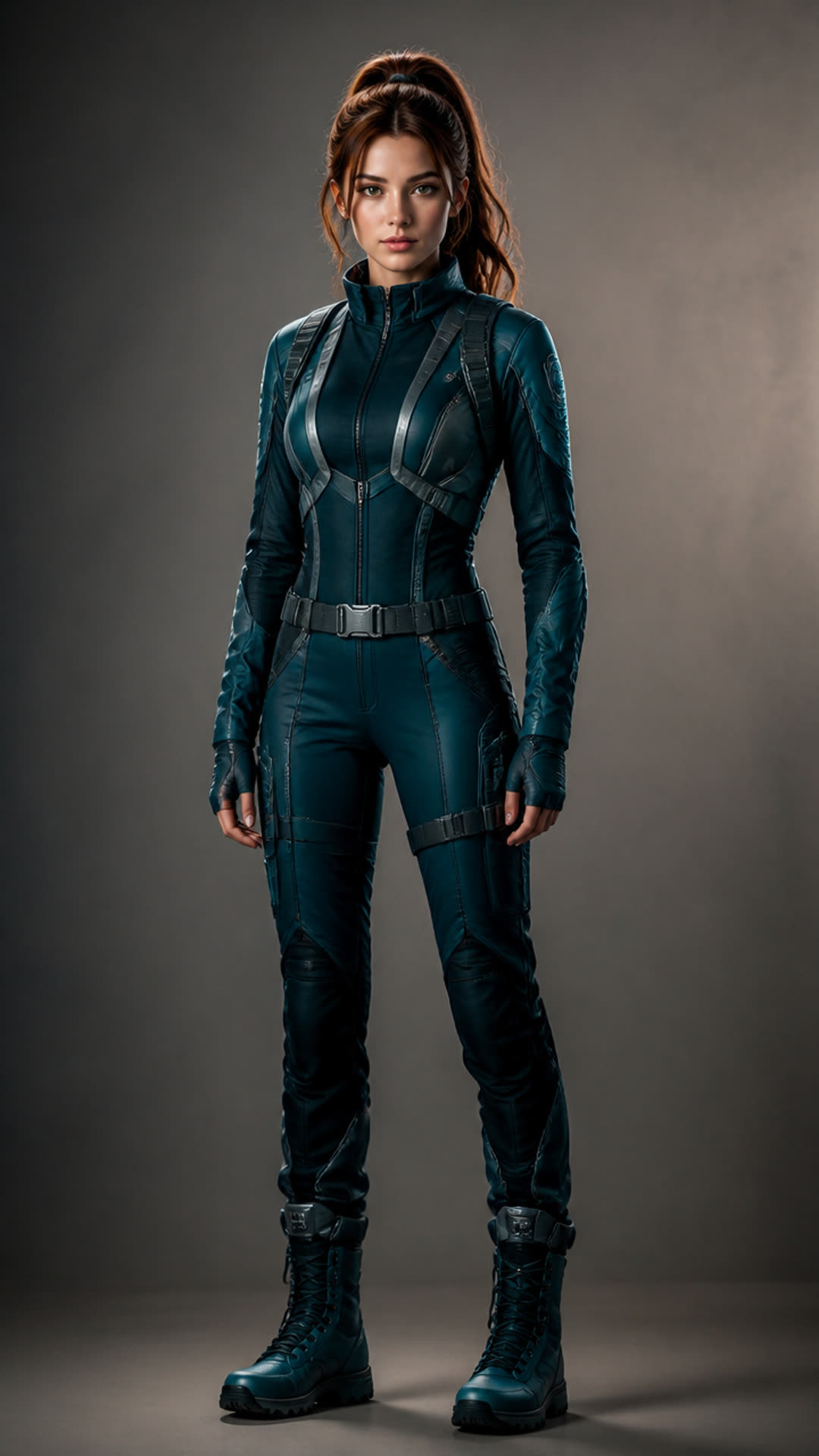
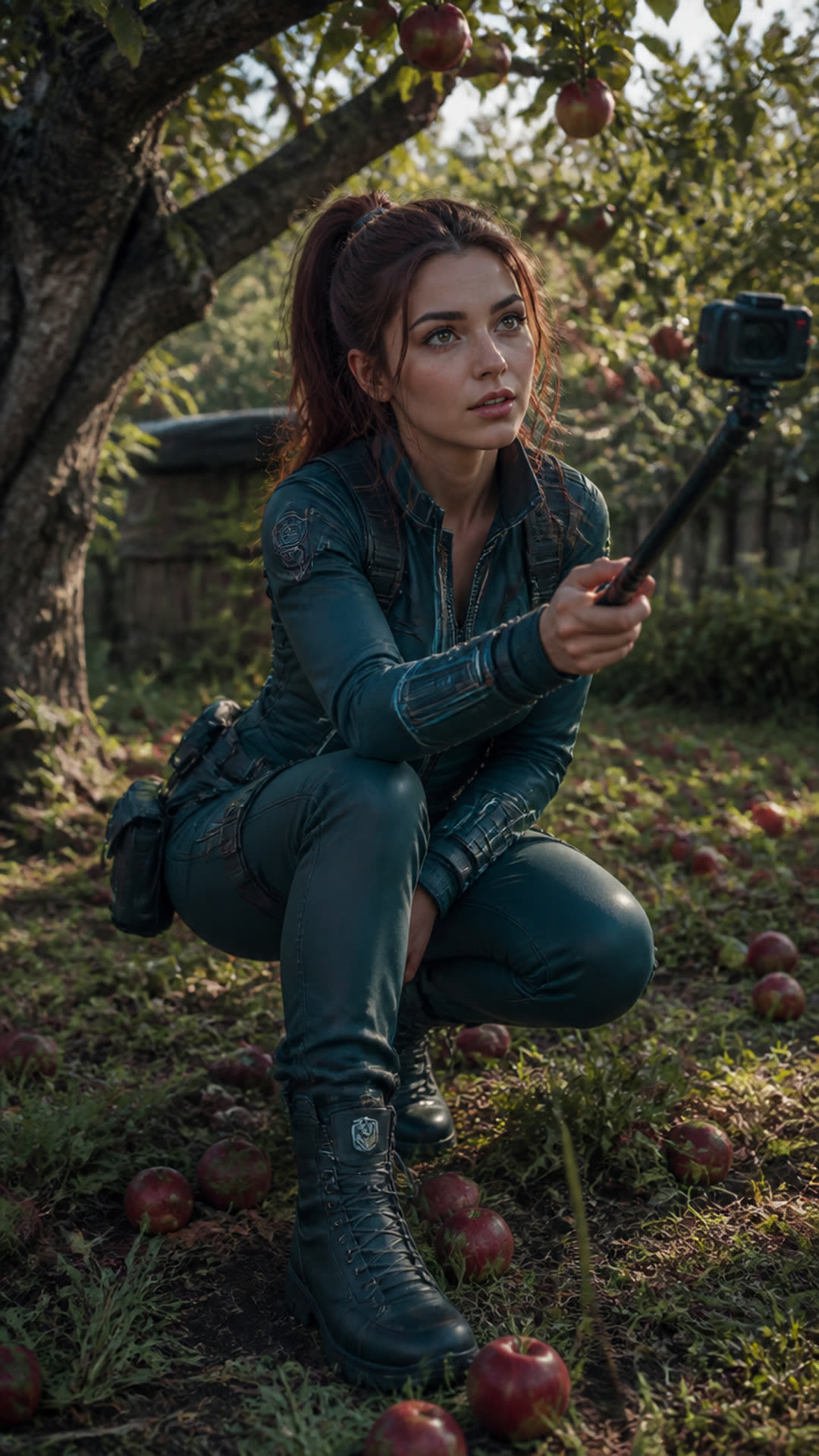
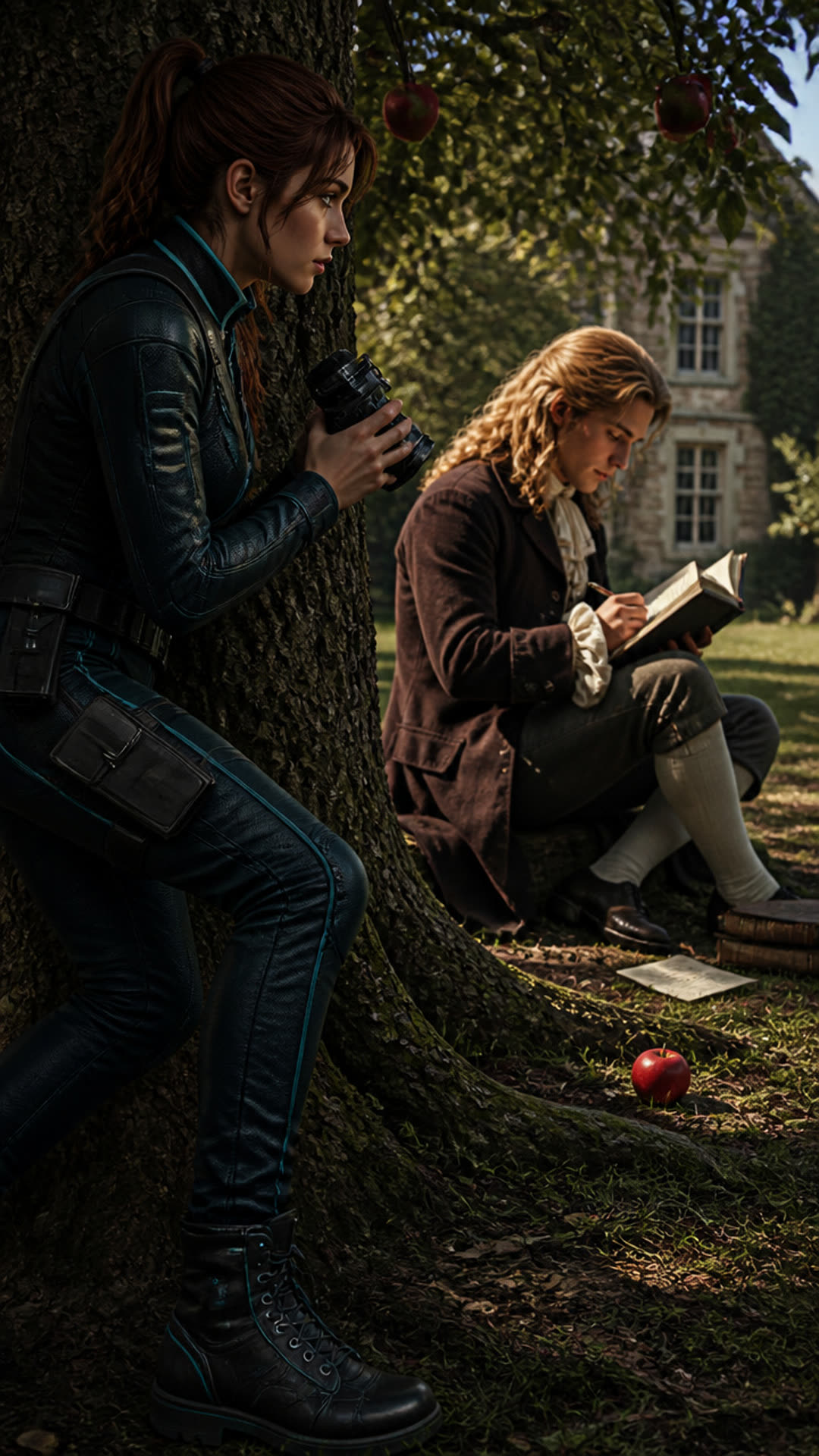
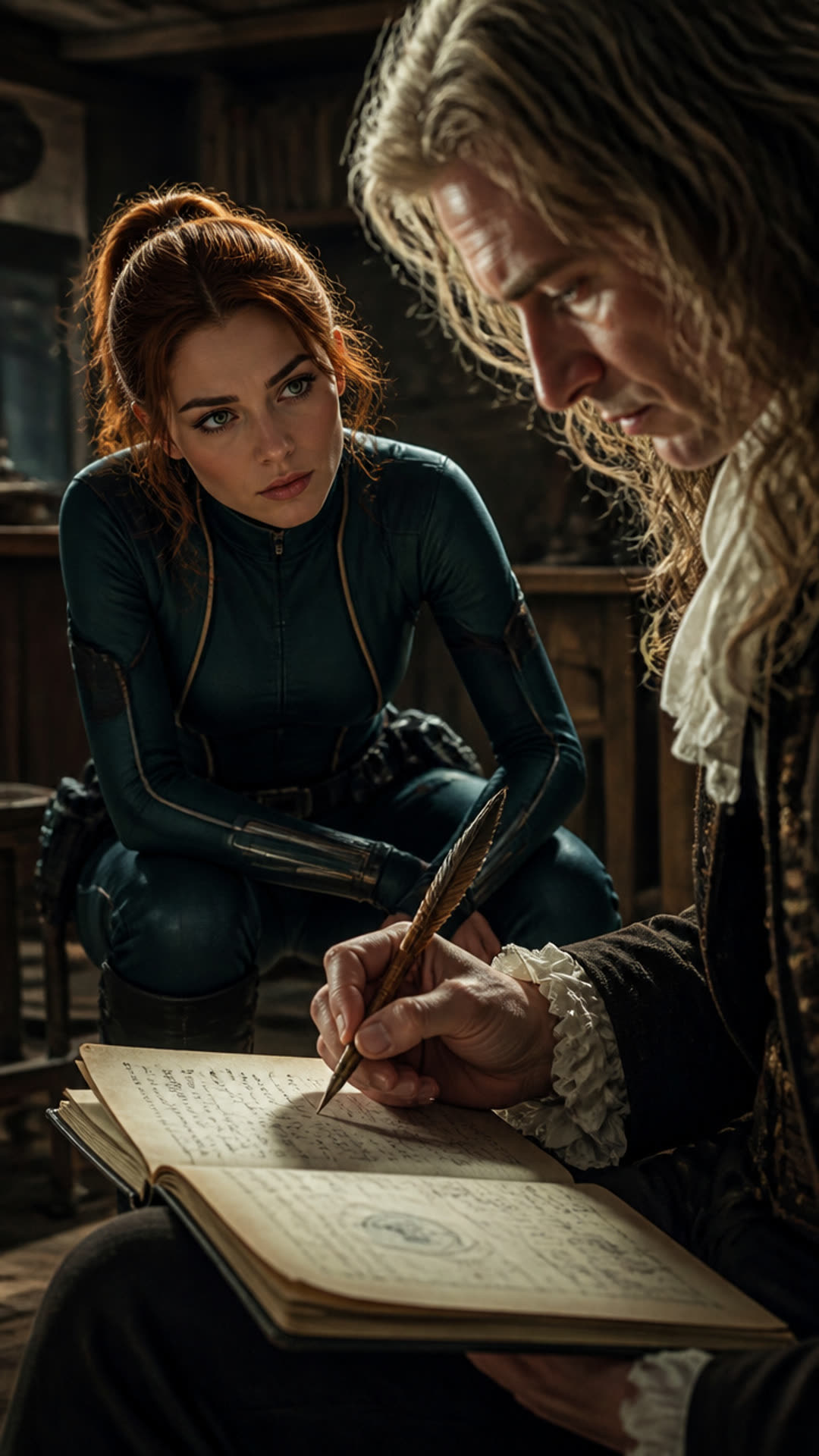
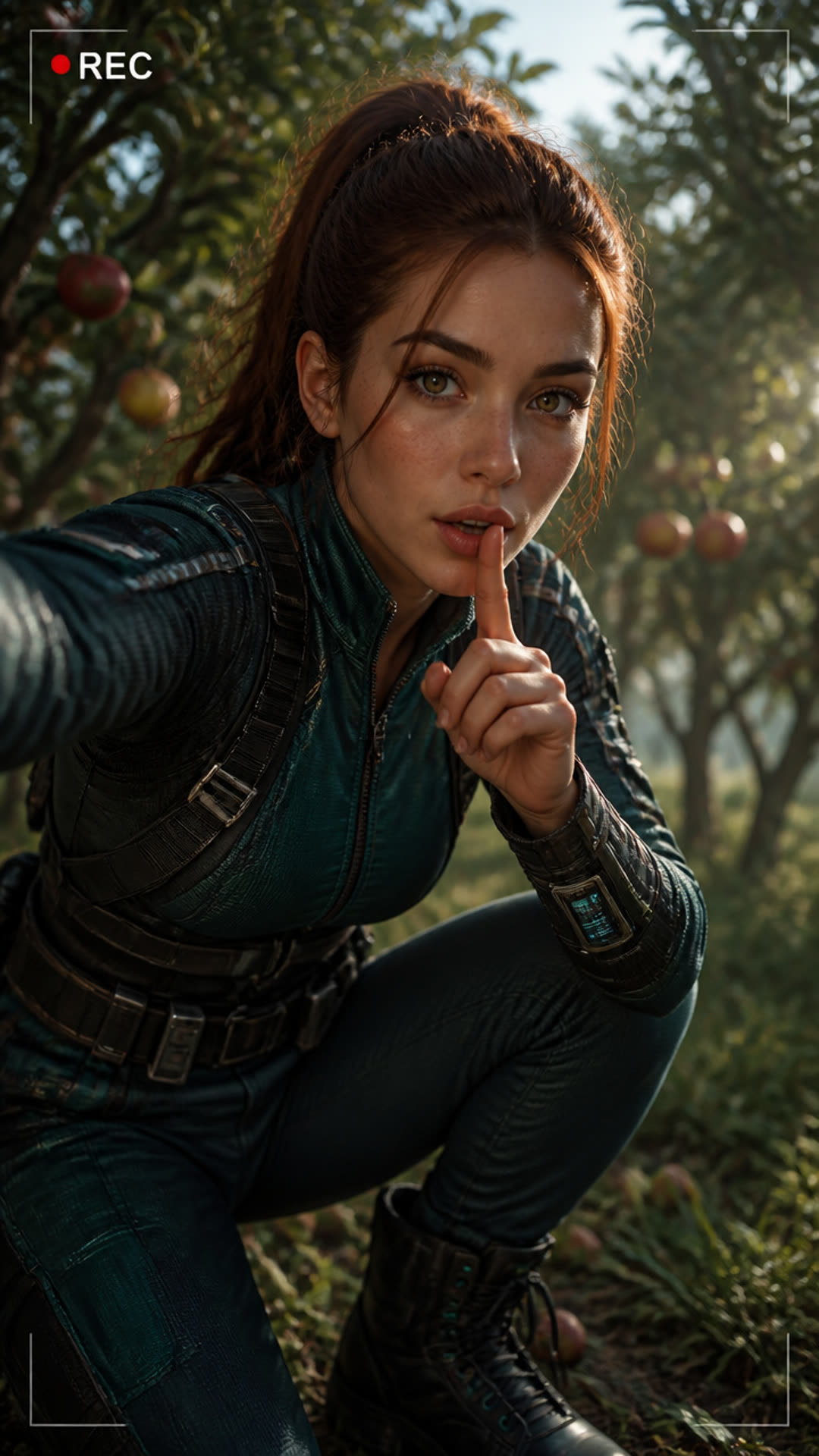
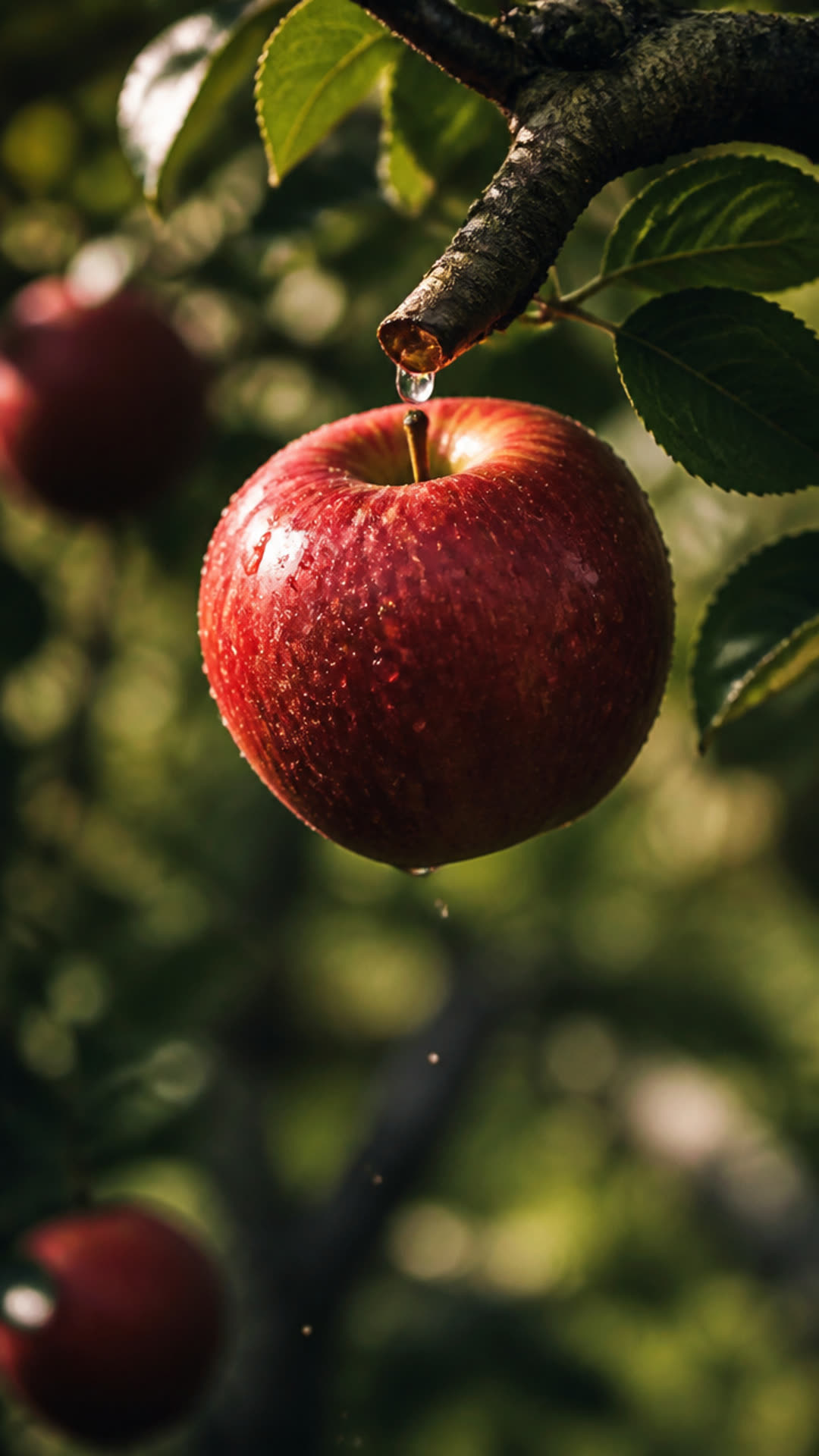
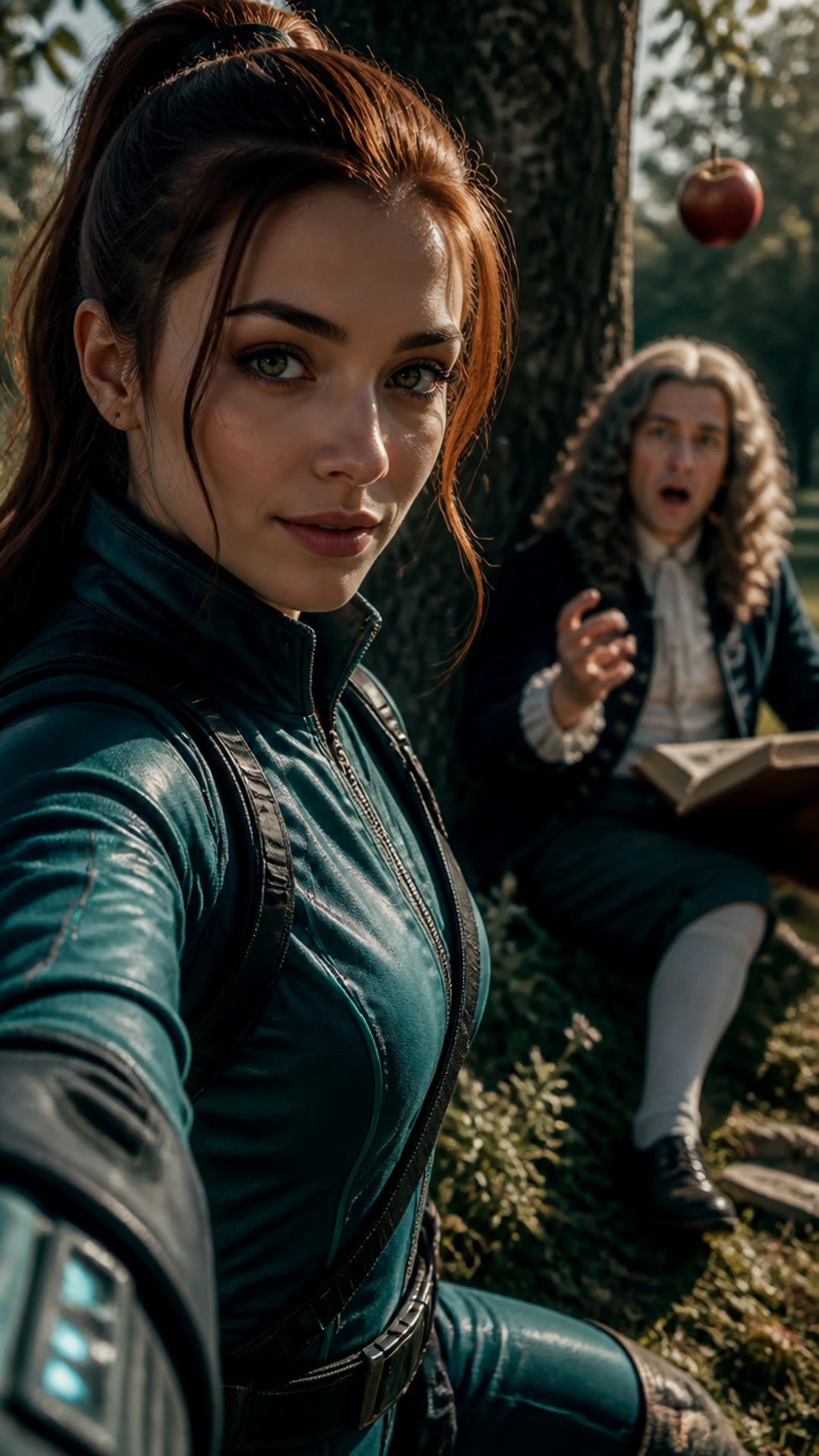
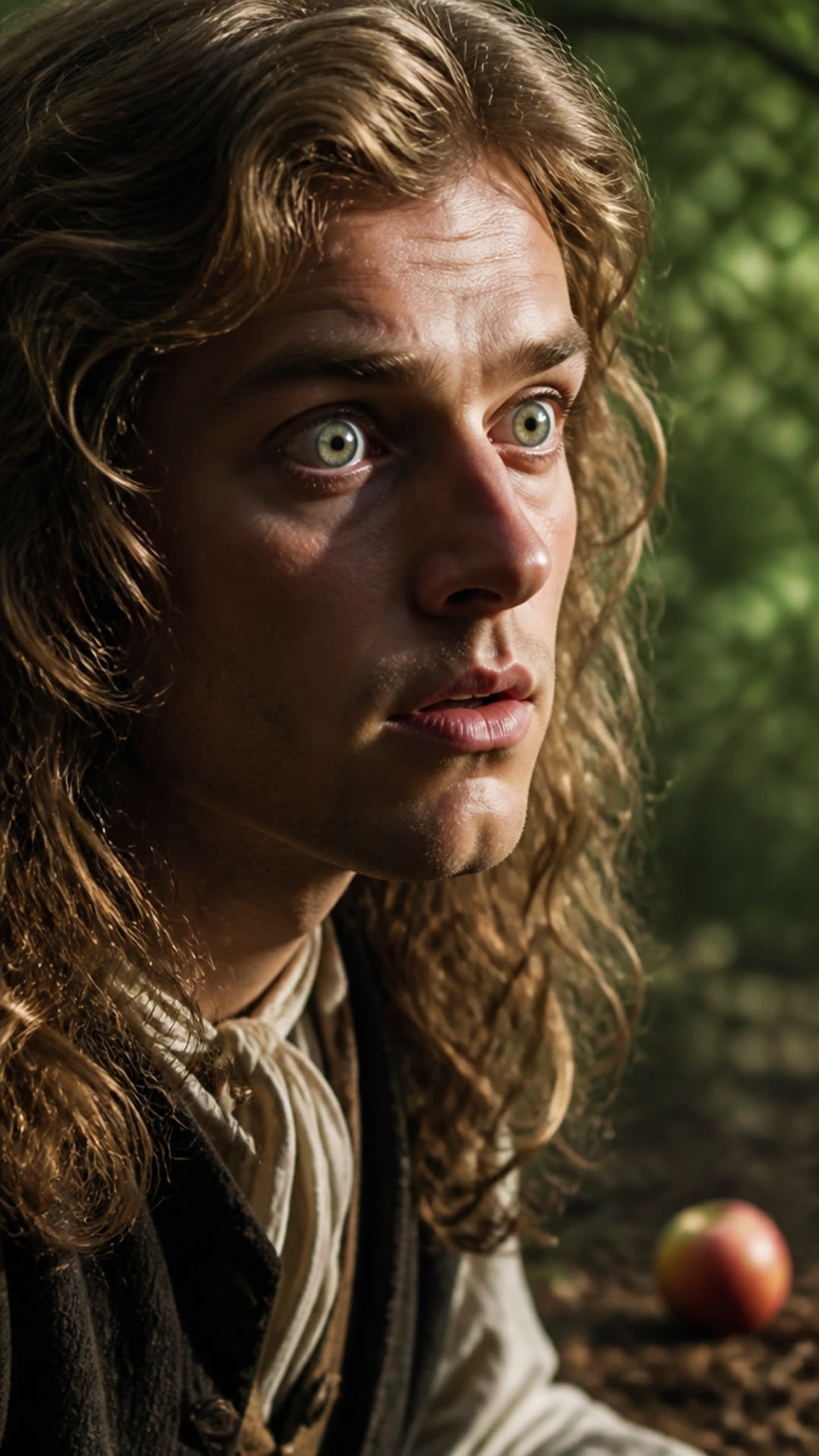
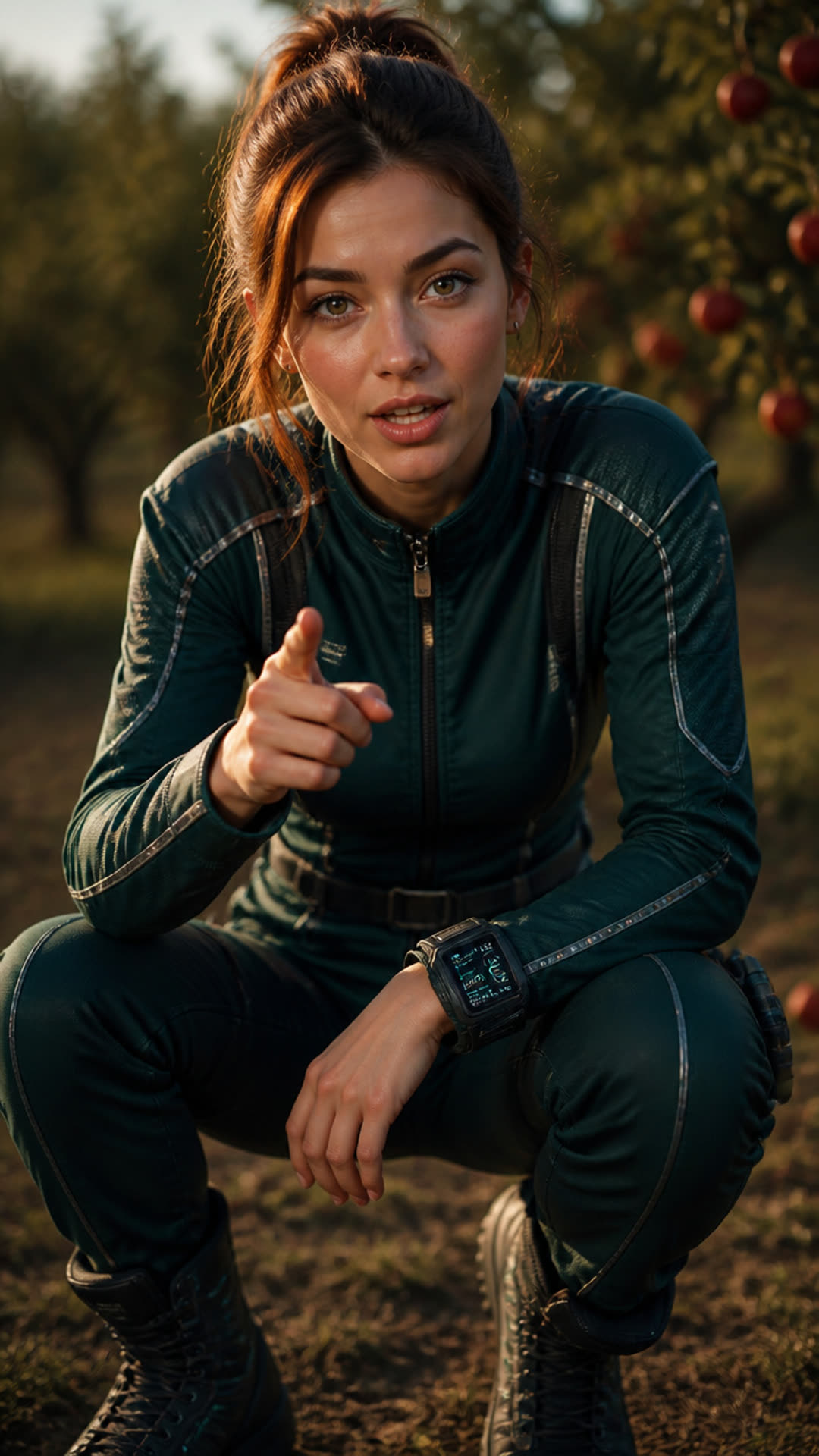
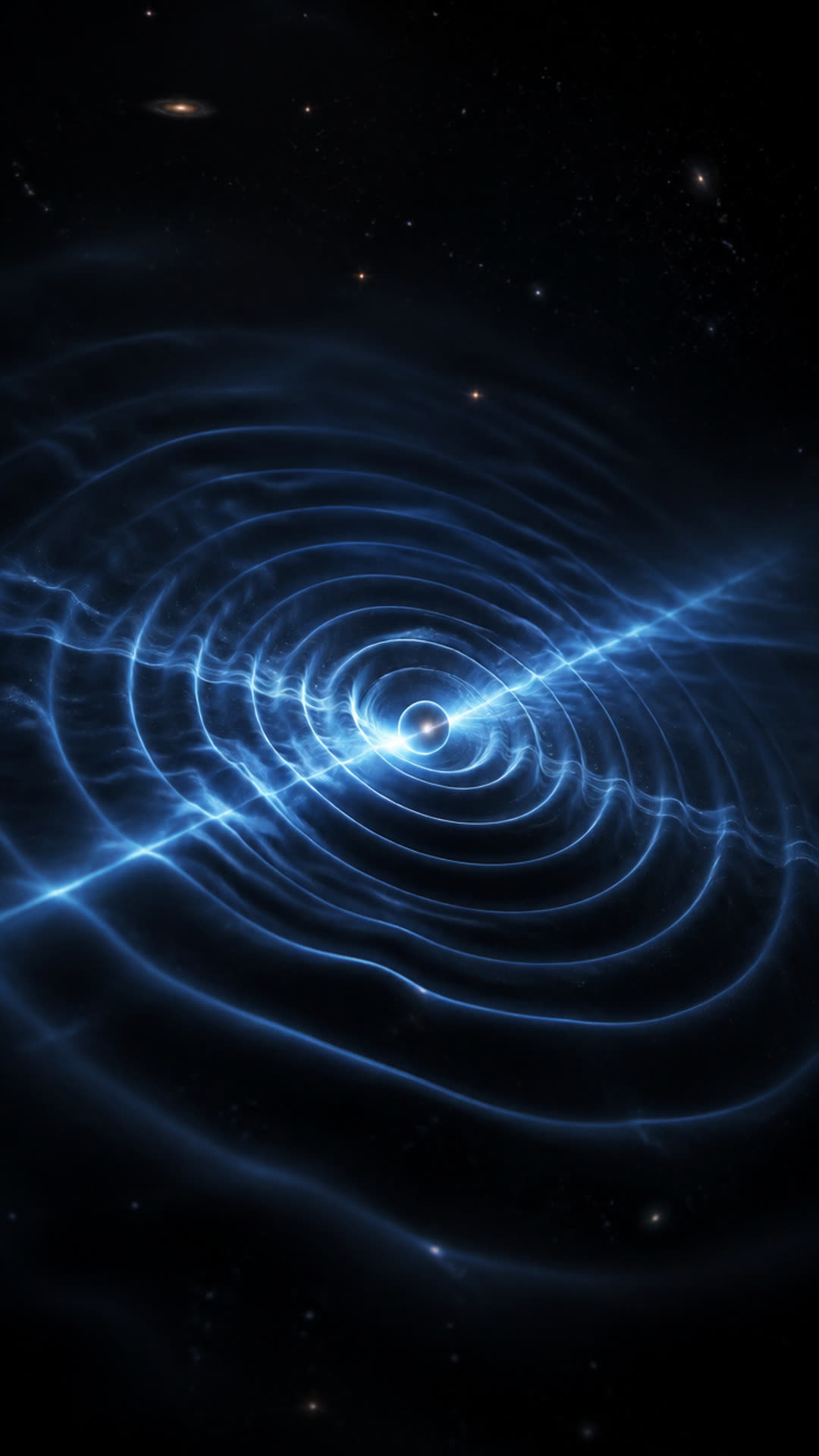
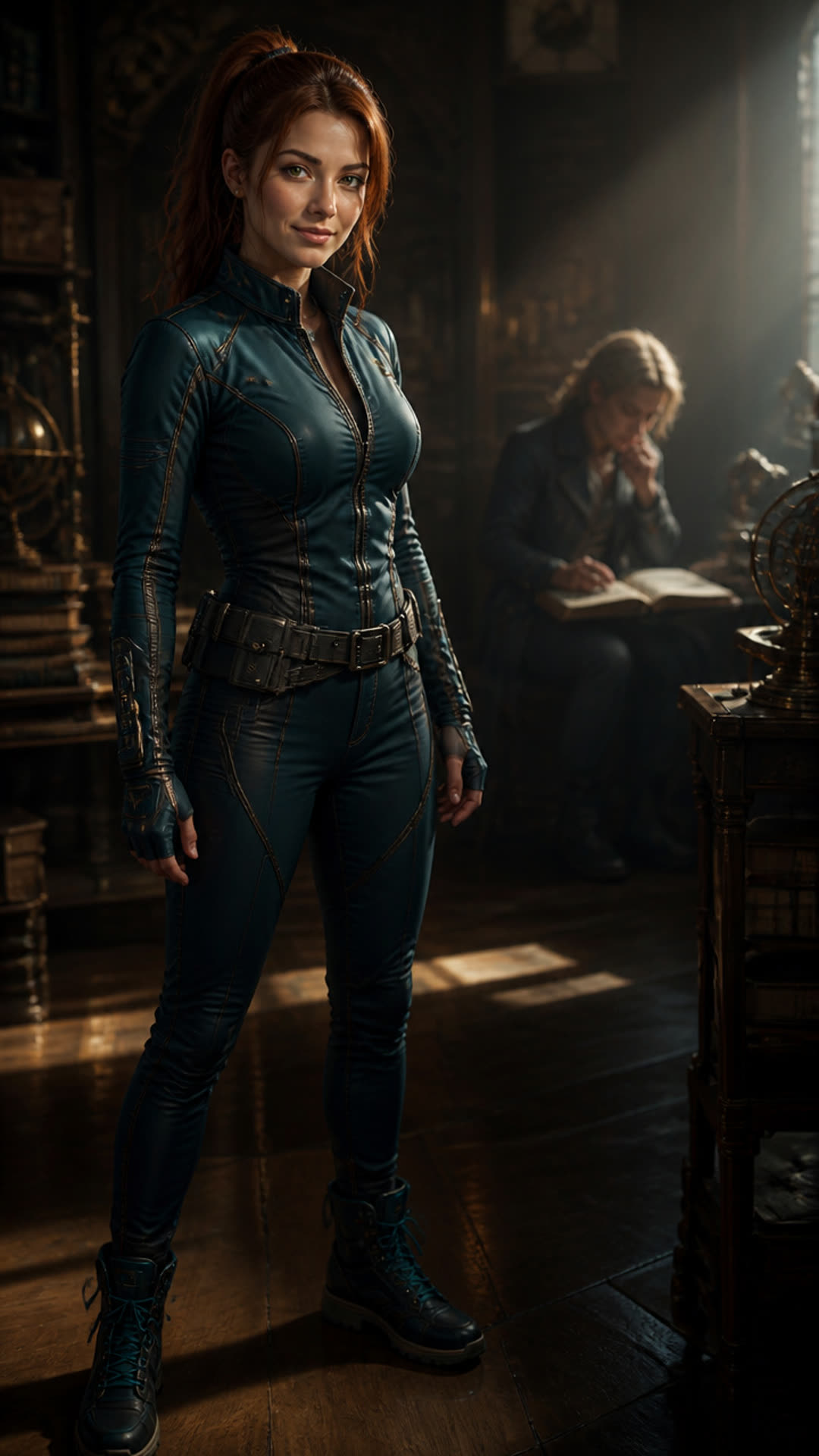
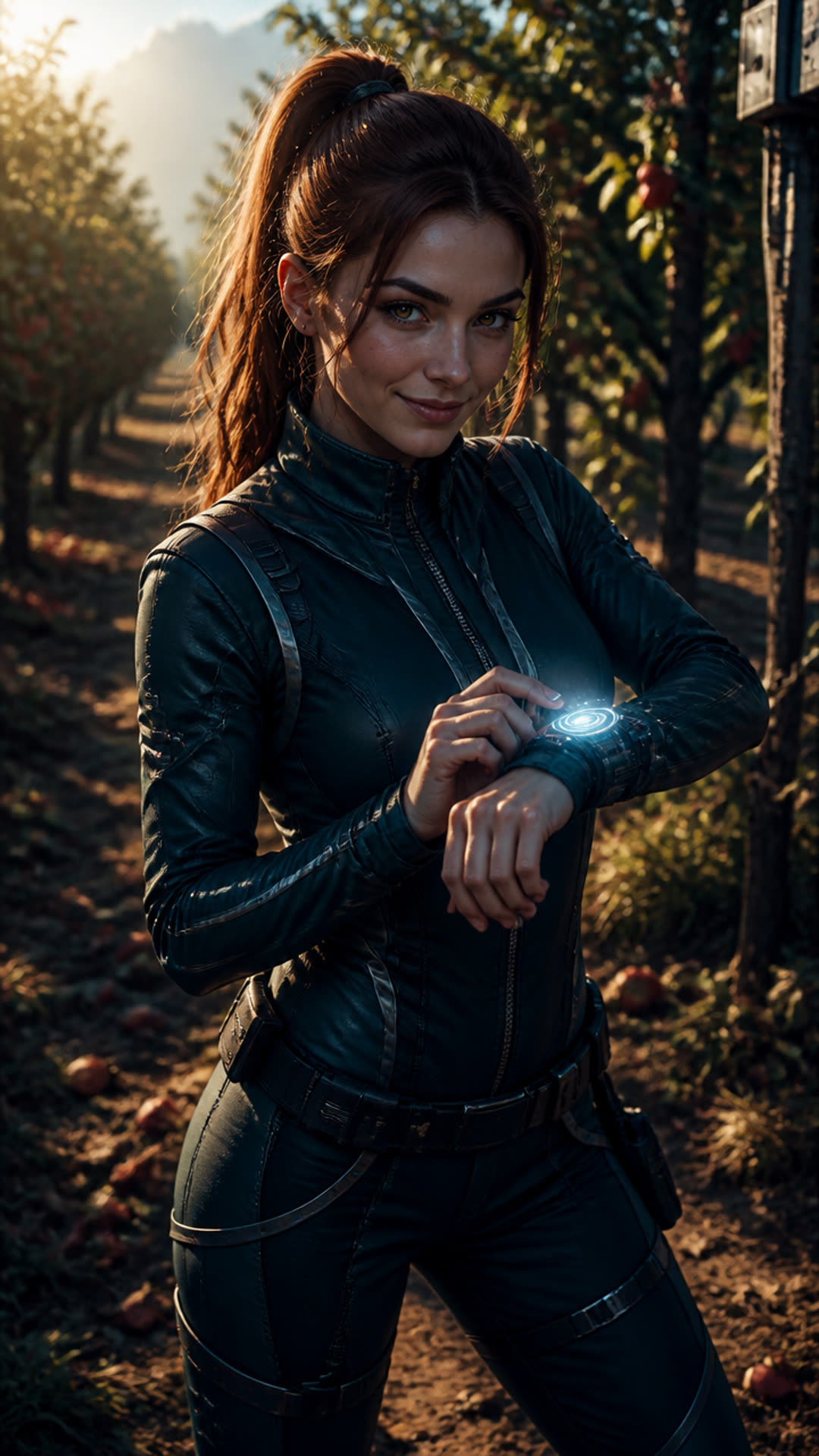
checkpoints 2 and 4 are generators (gpt-image@2 renders the seed portrait and each scene reference image) and checkpoint 5 is the connector that merges the twelve scenes — only the LLM checkpoints carry prompts:
the idea, as given
Generate a video about an influencer timetraveling to visit Newton discover gravity, she looks a bit scifi but also like in todays world - its ultrarealistic - she is watching/discussing newtons discoveries / thoughts live as he discovers them as if he's an animal in a zoo, filming him and her from a selfie camera pov, the seed character has to be in the reference images in the scenes where she should be visible in, otherwise the aivideogenerator doesnt understand who the seed character is. make the aivideoprompts in depth and understandable explaining the full situation and what words the characters might say (the video has audio)
the caption, as generated
Witness the birth of universal gravitation with Chrono-Sage Anya! We go back to 17th Century Woolsthorpe Manor to see Isaac Newton's legendary apple moment unfold. It's more than just a falling fruit; it's the genesis of how we understand our universe. #Newton #Gravity #ScienceHistory #ChronoComrades #Discovery
checkpoint 1 · “Plan Narrative & Character” — the full prompt
ROLE:
You are an expert creative director for educational, documentary, and historical short-form videos.

CONTEXT:
The user wants to create a compelling, informative short video about: {{user_topic}}.
Your job is to establish a strong scientific/historical narrative arc and design a dedicated, visually distinct specialist/host character who will present this information.

TASKS:
1. Draft a dense, exciting, and educational narrative summary/concept.
2. Design a human host/expert character appropriate to the topic (e.g., a 19th-century archaeologist for Ancient Egypt, a futuristic quantum physicist in a sleek workspace for physics, an enthusiastic field botanist for natural sciences).
3. Write an explicit, highly detailed text-to-image prompt to generate a solo portrait of this character against a neutral background. This will serve as our visual anchor seed image.
4. Design a thorough, detailed overall physical description of the character (age, clothing, specific features, style parameters) that subsequent nodes can read to keep the character consistent across various actions.

FORMAT RULES:
You must output ONLY a valid JSON object. No markdown formatting, no code fences, no introductory or concluding prose.

OUTPUT SCHEMA:
{
  "narrative_concept": "A comprehensive narrative overview outlining the visual arc and primary educational lesson from start to finish.",
  "character_overall_description": "Detailed physical and stylistic parameters of the host character. Describe their facial features, exact clothing style, color palette, age, hair, posture, and mood to maintain strict downstream visual consistency.",
  "character_image_prompt": "Studio portrait photograph of [character description], looking directly at the camera, clean cinematic neutral background, photorealistic, cinematic volumetric lighting, 8k resolution, shot on 35mm lens."
}
checkpoint 3 · “Plan Video Scenes” (distributor, ×12) — the full prompt
ROLE:
You are a cinematic visual director and scriptwriter.

CONTEXT & RAW ASSETS:
- Overall Narrative Goal: {{narrative_concept}}
- Core Host Description: {{character_description}}
- Character Seed URL (Use this strictly for tracking): {{character_seed_image_url}}

TASK:
Break the narrative down into exactly {{scene_count}} chronological scenes. Each scene maps to a 5-6 second chapter of the video.

THE CONTEXT ISOLATION & HOST CONSISTENCY RULES:
- Because each target scene's image is generated in complete isolation, *never* use vague references or pronouns like 'he', 'she', 'they', or 'the host.'
- You must explicitly re-describe the setting, layout, style, and the host's appearance/actions in EVERY scene's image prompt.
- Explicitly direct how the host interacts with their location (e.g., 'The 40-year-old female botanist in a green field coat is physically holding...').
- State what the host is doing, what they are explaining, or what historical/scientific event is occurring dynamically around them.

FORMAT RULES:
Output exactly {{scene_count}} JSON objects, one per line (newline-delimited JSON).
Do not wrap the results in a JSON array. Do not use markdown backticks, markdown fences, or markdown JSON blocks. Output raw JSON strings, one per line.

OUTPUT SCHEMA (Repeat this shape for every line, 1 to {{scene_count}}):
{"scene_id": "scene-001", "order": 1, "image_prompt": "Cinematic photo of [Host Description] inside [Specific Scientific/Historical Scene Location], [Host Physical Action or Pose], photorealistic, high visual fidelity, cohesive historical/scientific atmosphere.", "video_prompt": "Continuous slow robotic camera push on the host while elements of the scene move naturally.", "subtitle_line": "An engaging narrative subtitle of 10-15 words spoken or overlayed during this scene.", "needs_lip_sync": true, "character_seed_image_url": "{{character_seed_image_url}}"}
checkpoint 6 · “ClipStyle: Reel” — the full prompt
Assemble and validate the final output payload for a 'reel' clip style.

SCENE REFERENCES:
{{scene_references}}

Return JSON with exactly this structure:
{
  "name": "Short 3-5 word title",
  "imagePrompts": [],
  "aiVideoPrompts": [
    {
      "scene_id": "scene-001",
      "order": 1,
      "type": "slide",
      "prompt": "motion prompt from the scene",
      "reference_image_url": "pass through from scene_references as-is",
      "text": "optional subtitle"
    }
  ],
  "audioPrompts": [],
  "metadata": {
    "caption": "2-3 engaging sentences + hashtags",
    "musicUrl": ""
  },
  "clipStyle": "reel"
}

RULES:
- aiVideoPrompts: one entry per scene, sorted by order.
- clipStyle MUST be 'reel' (or 'standard'/'medieval' if requested).
- Return ONLY valid JSON. No markdown, no prose. demo 06 · quant finance
Black–Scholes, solved twice
A European call priced two ways. Route A is Monte Carlo: draw terminal stock prices from the geometric Brownian motion, discount the mean payoff, watch the estimate converge onto the analytic answer as more samples come in. Route B is the closed-form Black–Scholes price — the same number falls out of transforming the pricing PDE into a heat equation. The write-up (PDF) walks through that transformation.
each stroke is one simulated path · sand dashes mark the strike K
MC estimate (blue) · analytic BS (sand) · ±2 standard errors
demo 07 · from-scratch decoder
GPT-2, sampling Shakespeare
My from-scratch GPT-2 decoder, trained on the tiny-shakespeare corpus — the same one Karpathy used. The terminal below replays sampled generations; the model itself lives in the repository, not the browser. Nudge the temperature and the sample set switches: low temperature keeps it in coherent Elizabethan pastiche, high temperature lets the tail of the distribution loose.
▊ demo 08 · deep learning
ResNet — why depth needs skips
My own PyTorch implementation of the network from He et al., 2015, trained on CIFAR-100. The residual block on the right is the whole trick: instead of learning the mapping H(x) outright, each block learns the residual F(x) = H(x) − x and adds the input back in through a skip. When F has nothing useful to say, the block falls back to the identity, and the gradient still has a clean path home. Below the figure, a small experiment on what the skip does to backprop through depth.
the experiment
This is not a training run. It is a toy linearised model of backpropagation through N layers. Each layer contributes a per-layer gradient factor and the chain rule multiplies them all together. On the plain chain the factor is drawn from |N(0.97, 0.12)| — mean a touch below 1, so with enough layers the product decays exponentially. On the residual chain the factor is 1 + g with g ∼ N(0, 0.12) · 0.3 — small perturbations around 1, so the product stays close to 1. It is an illustration of the mechanism, nothing more; the real story is that the identity path keeps a well-behaved route for the gradient no matter how deep the network gets.
residual (blue) · plain (sand) · dashed hairline at ‖∇‖ = 1